Step 1
Download the app and register with your email address, Apple ID or Google ID.













Download the app and register with your email address, Apple ID or Google ID.
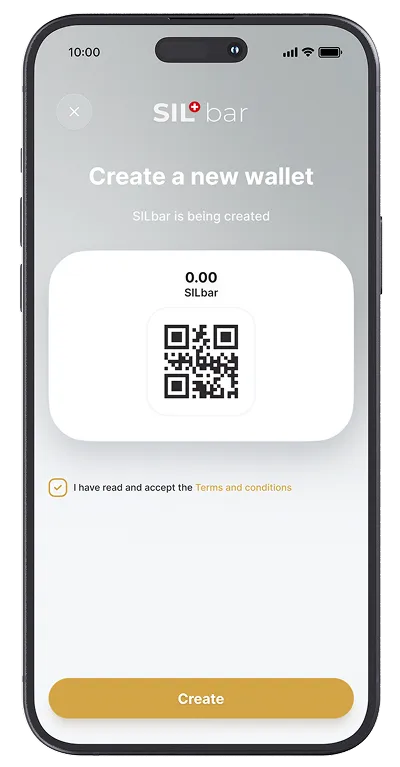
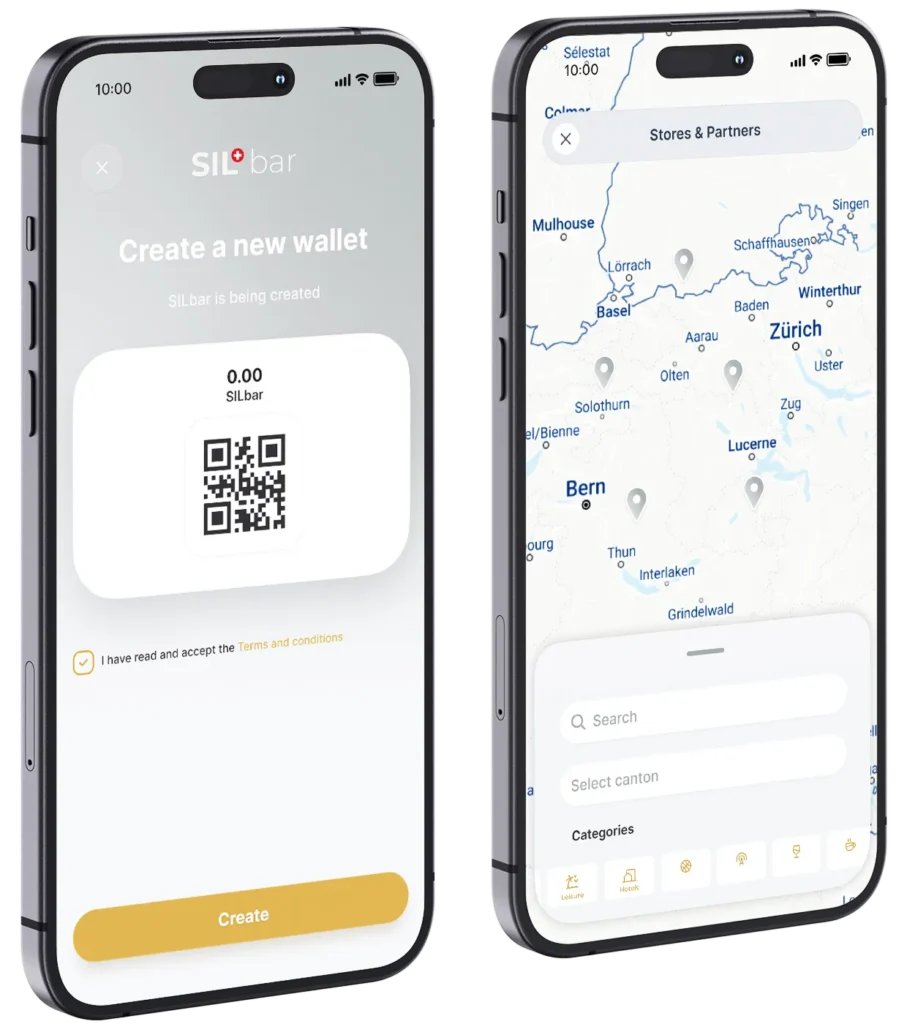
Create a wallet in the app now and connect it to your S-Deposito.
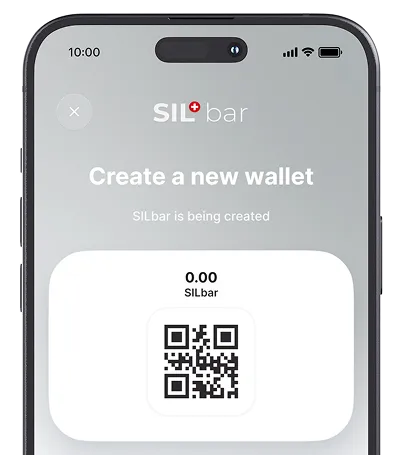
Finally, you can barter any amount of your silver granules into your wallet. You are now ready for barter trading.
Open the App Store or Google Play Store on your smartphone.
Enter "SILbar" in the search field and download the app.
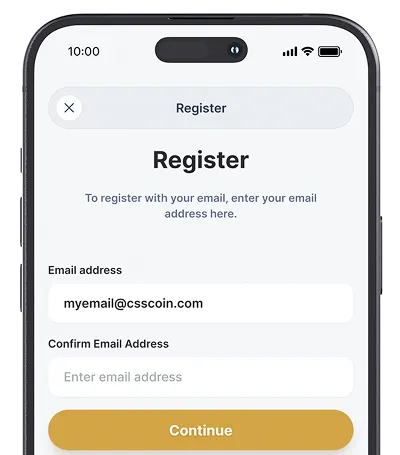
Open the app and tap "Create account".
Enter your email address and tap "Continue".
You will now receive a confirmation code by email.
Enter this code in the "Confirmation code" field in the app and tap "Continue".
Now create any secure password. Also enter your first and last name and tap "Register".
Enter this code in the "Confirmation code" field in the app and tap "Continue".
Now create any secure password. Also enter your first and last name and tap "Register".
Tap the "Activate" button to go to the S-Deposito login page.
Log in with your S-Deposito access data.
After logging in to your S-Deposito, tap the "Confirm" button.
Your S-Deposito is now connected to your wallet in the SILbar app.
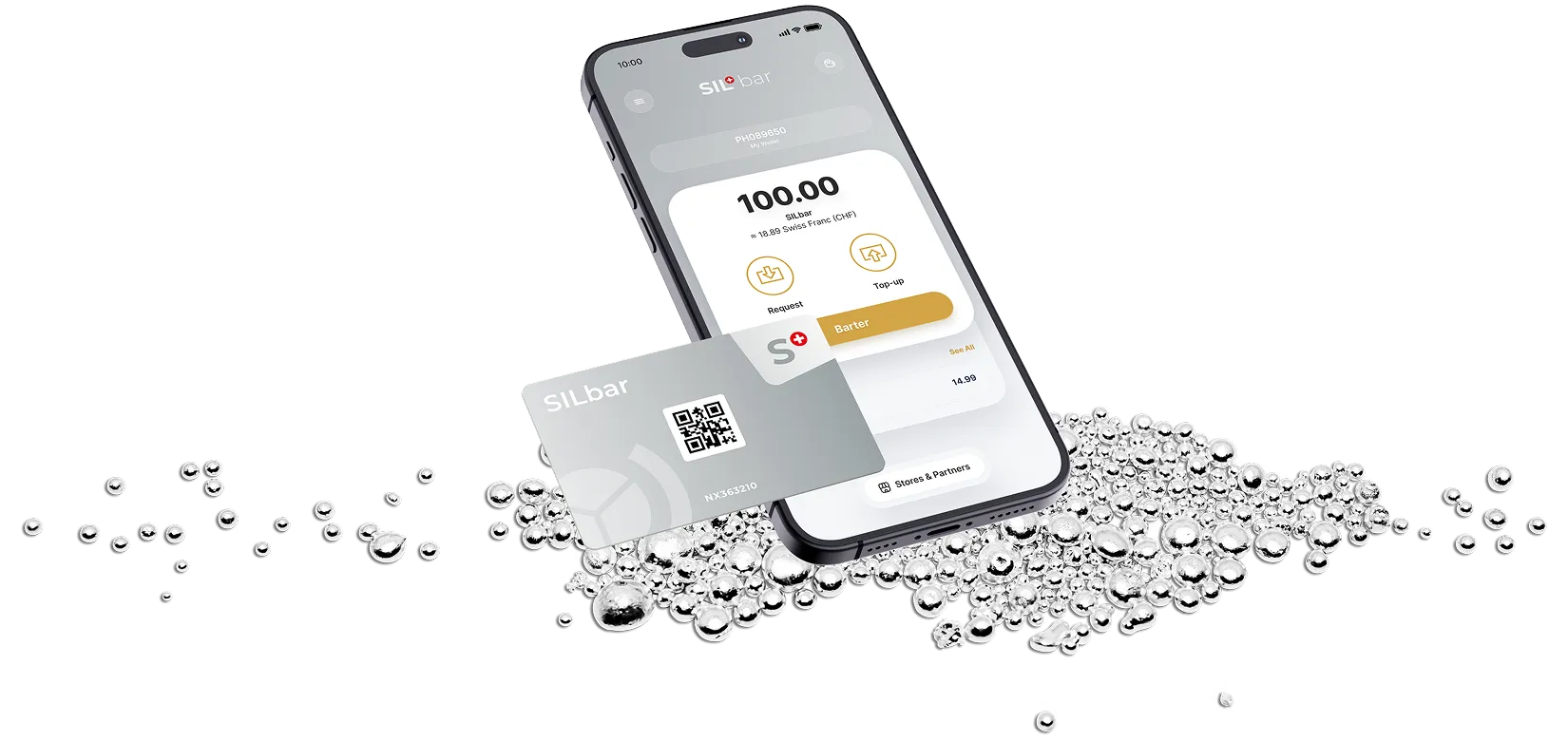
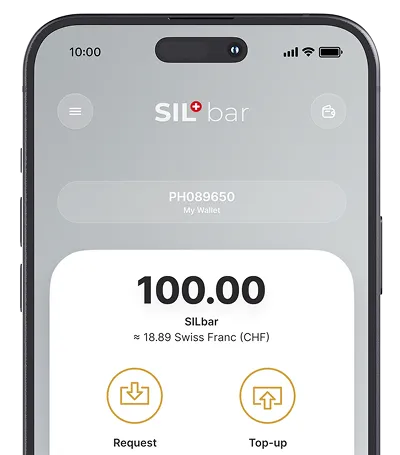
To deposit silver into your SILbar wallet, tap the "Top up" button.
A new page opens and you can log in to your S-Deposito.
After successful login, you will land directly on the barter page in the S-Deposito portal.
Enter either the desired amount of silver or a cash amount to deposit the silver amount into your wallet in the app.
As the penultimate step, select your SILbar wallet, then click "Carry out transaction" and confirm the process with "Yes".
Close the window by clicking the cross at the top left and you will now see your updated silver amount at the top right within 60 seconds.
Yes, the S-Deposito is the foundation for silver bartering. It guarantees that every barter transaction is backed by physical silver.
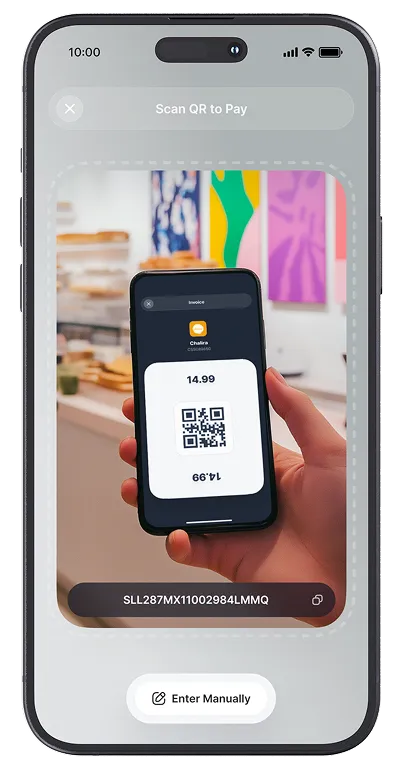
Open your app, scan the partner business QR code, enter the amount and barter the silver. The business receives the corresponding amount of silver in its S-Deposito, and you receive the product or service.
No, there are no additional fees for either the wallet or each barter transaction. Use of the barter service is included in the annual custody fee for your S-Deposito.
No, currently you can only barter with silver.